Resource Centre
The resource centre provide announcements on new features in Orgvue as well as links to the portal to view and vote on upcoming features along with links to Support, The Orgvue Knowledge Base, and these User Guides
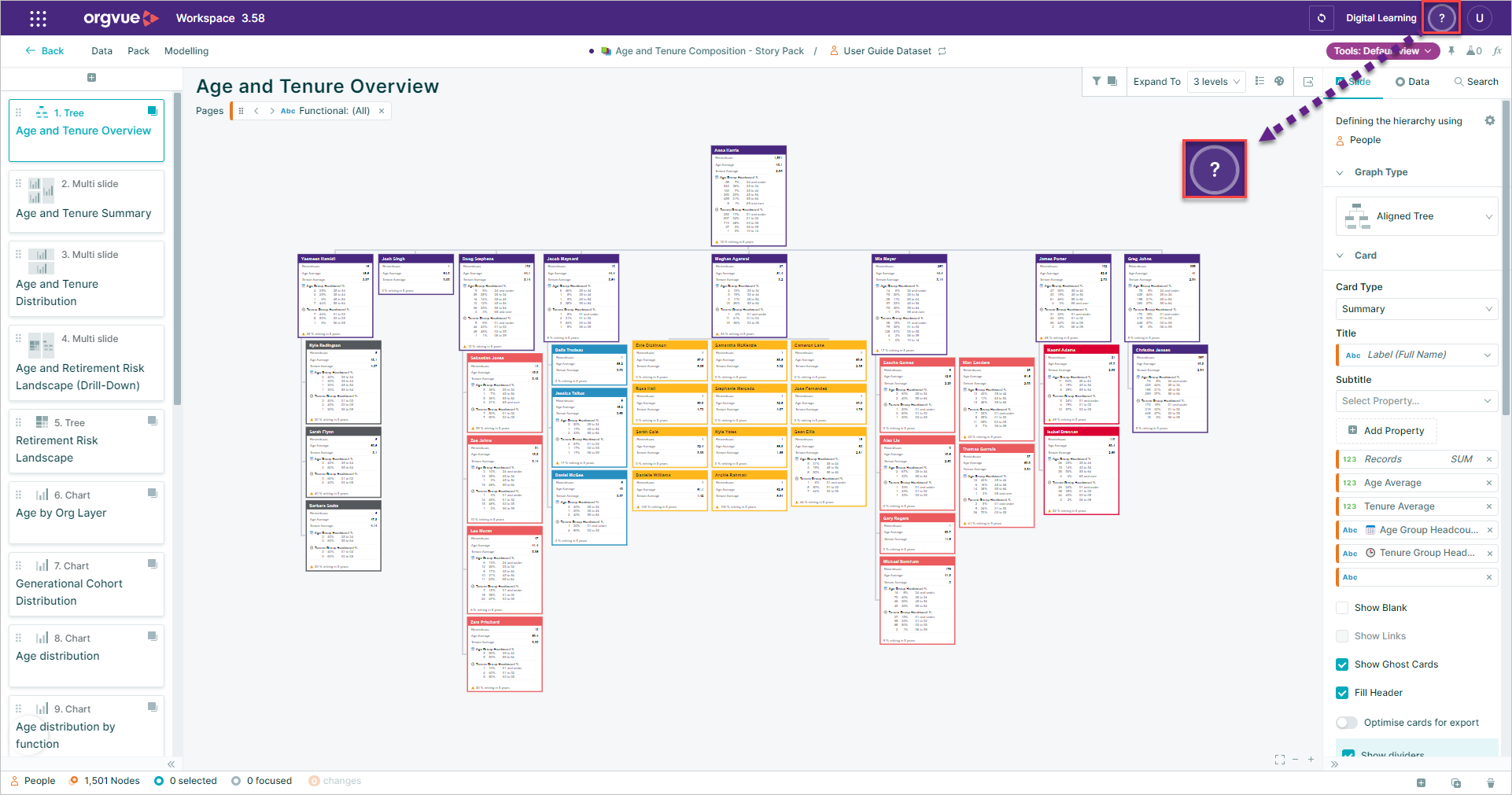
It can be accessed from either the Landing Page or within a pack by selecting the Help & Support button
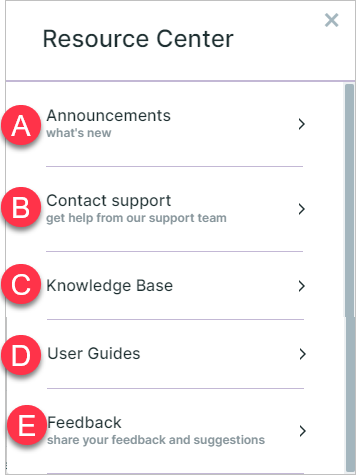
This opens the Resource Centre containing:
- A. Announcements
- B. Contact Support
- C. Knowledge Base
- D.
- E. Feedback & Suggestions
Announcements
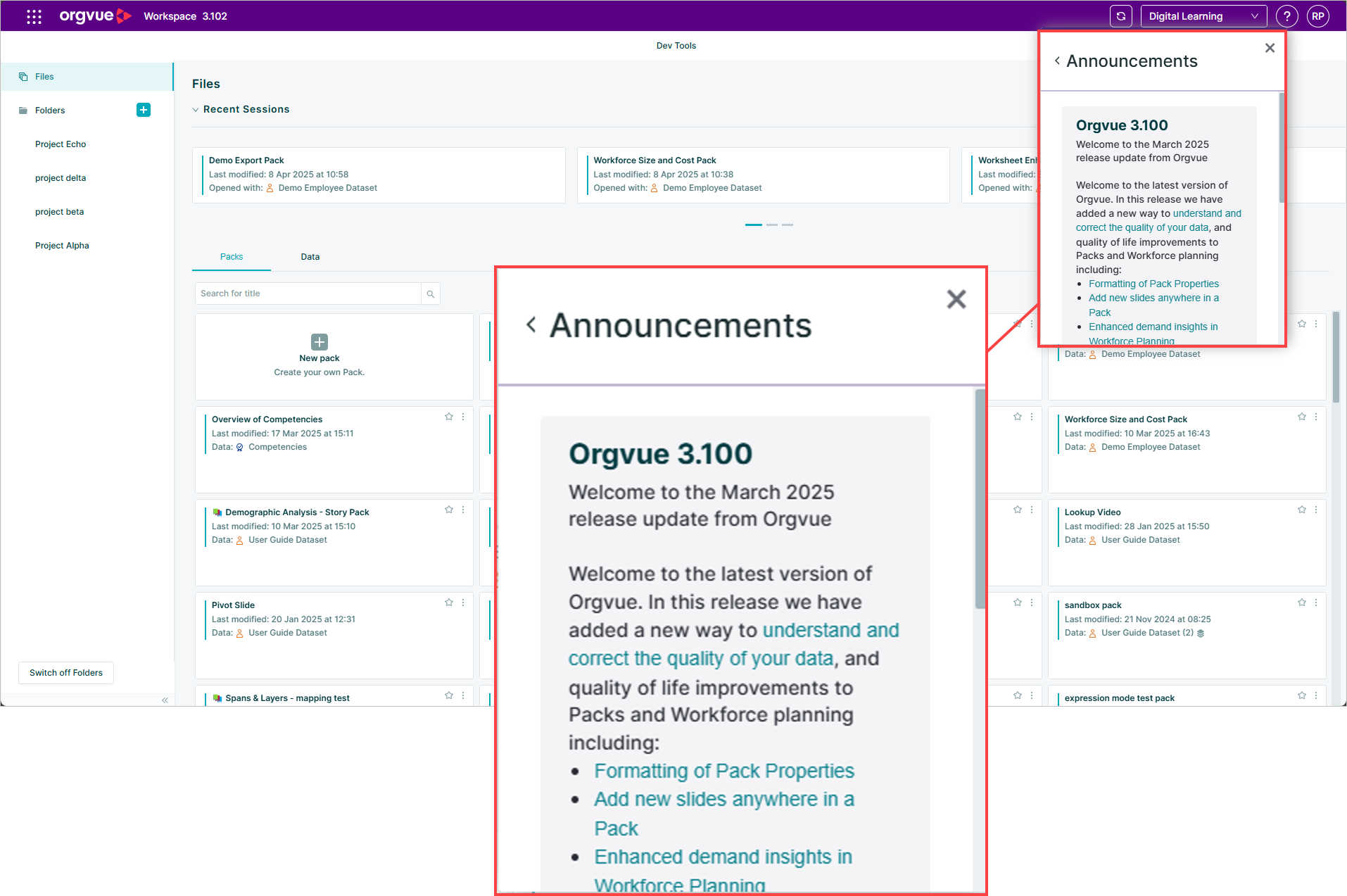
Selecting the Announcements tab will display the recently released features that have been added to Orgvue
Contact Support
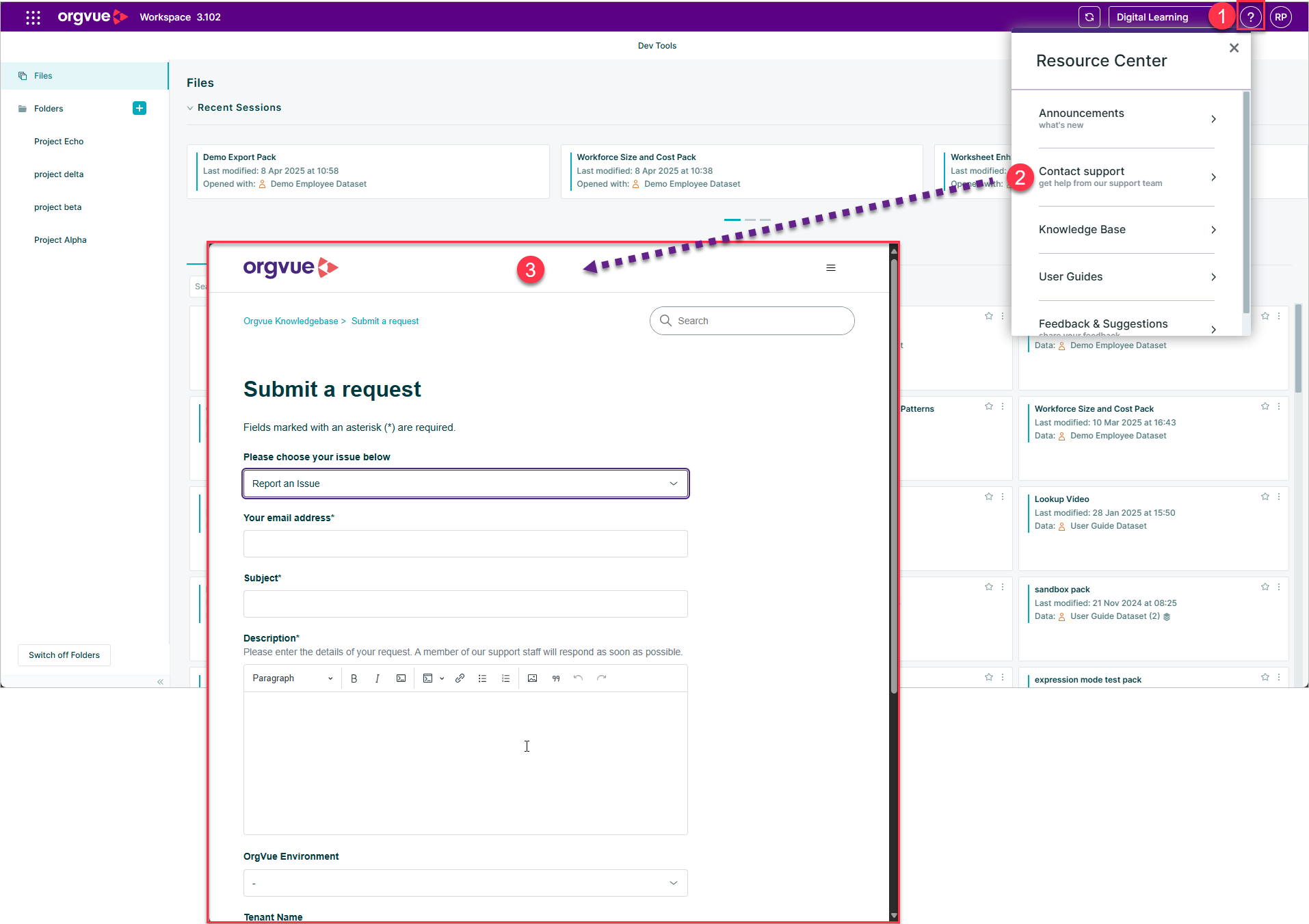
Making contact with the Orgvue support team is simple
- Select the Resource Centre icon
- Select
Contact Support - This will open a new browser window where you can submit a request to the support team
Knowledge Base
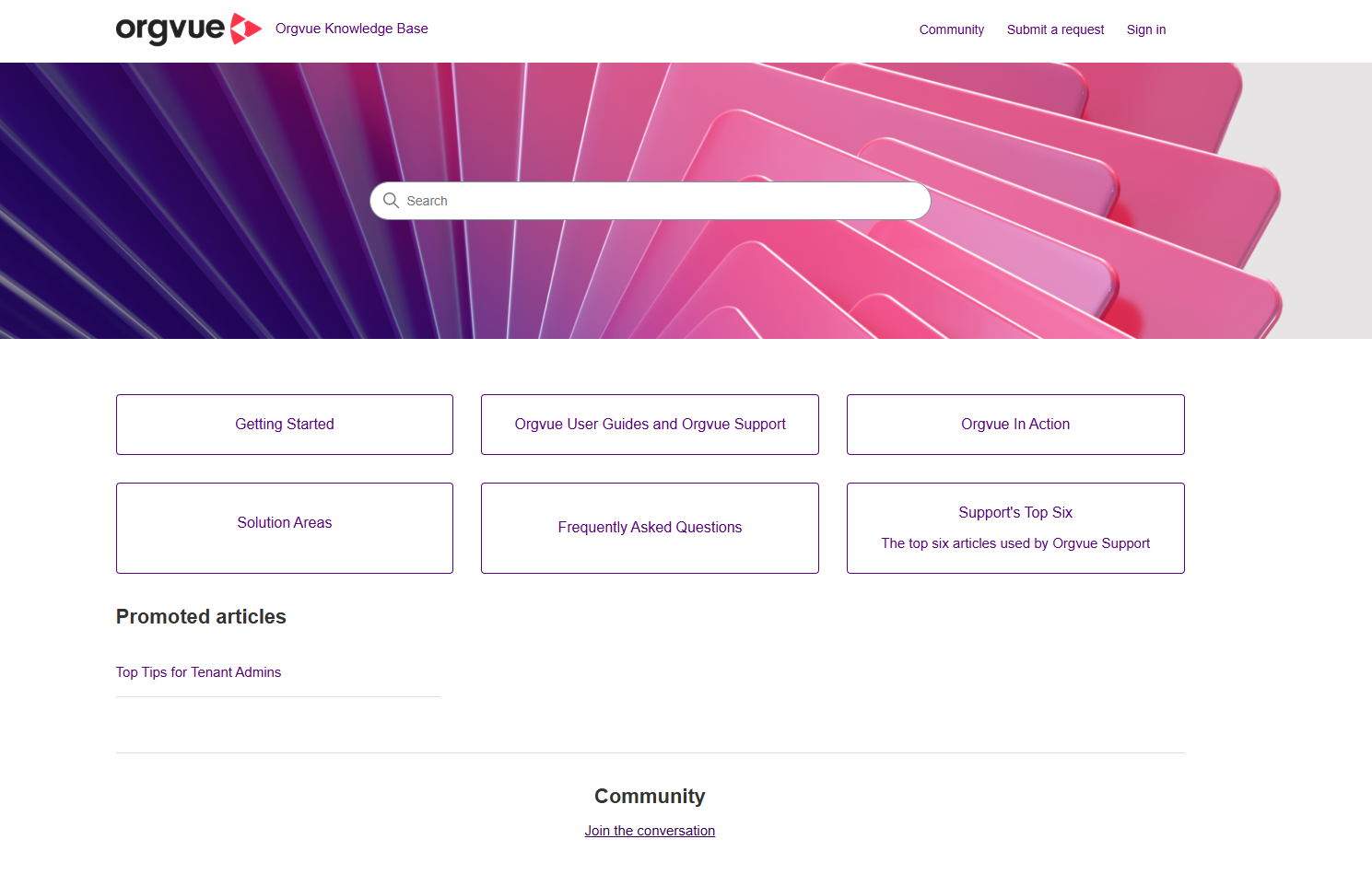
The Knowledge Base provides help with using Orgvue
Feedback & Suggestions
To provide feedback on any aspect of Orgvue:
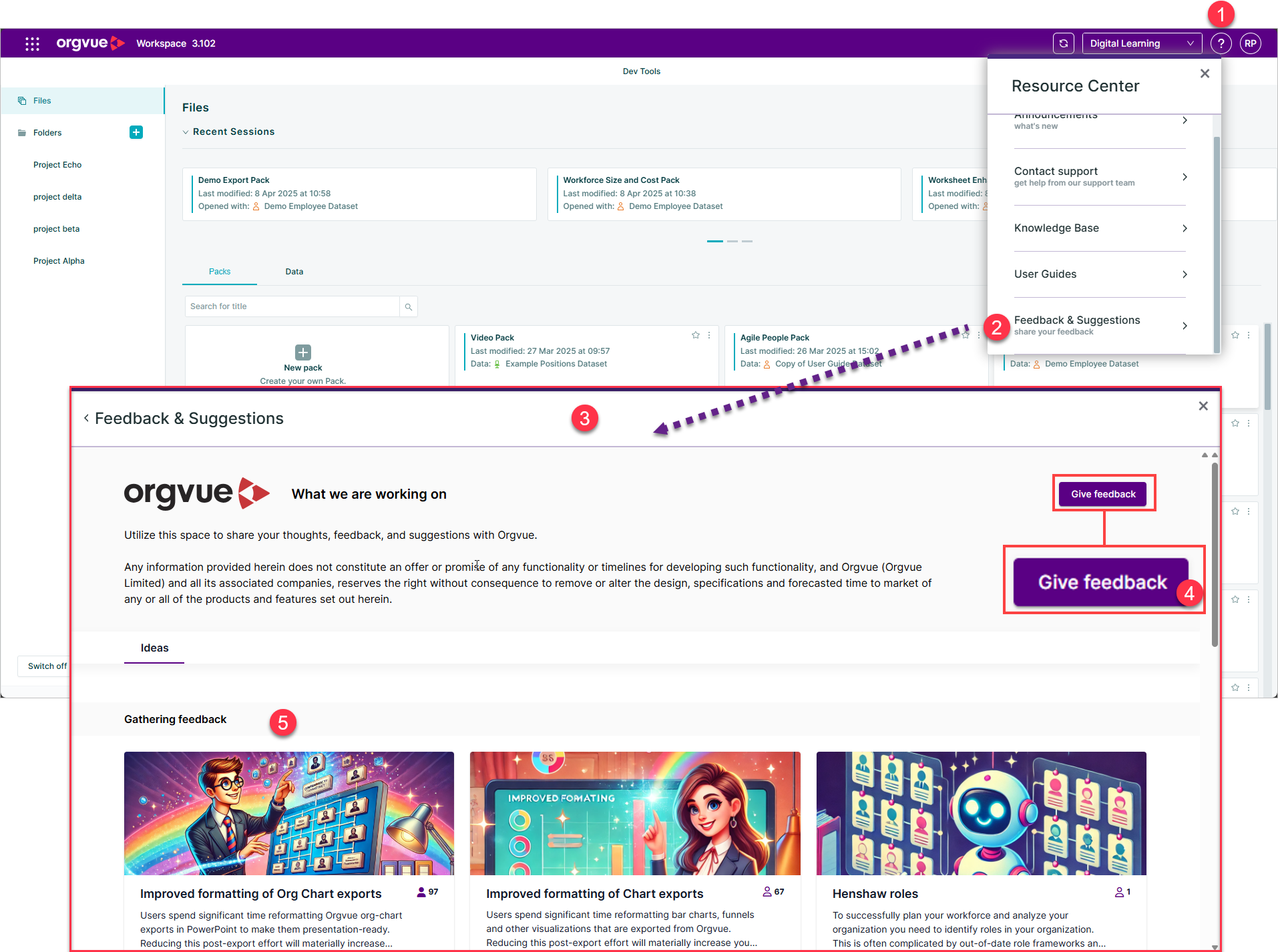
- Select the Help button on the header to open the Resource Centre
- Select
Feedback & Suggestions - This will open the Feedback portal where you may:
- Give feedback
or - View existing suggestions and vote for the ideas that are important to you