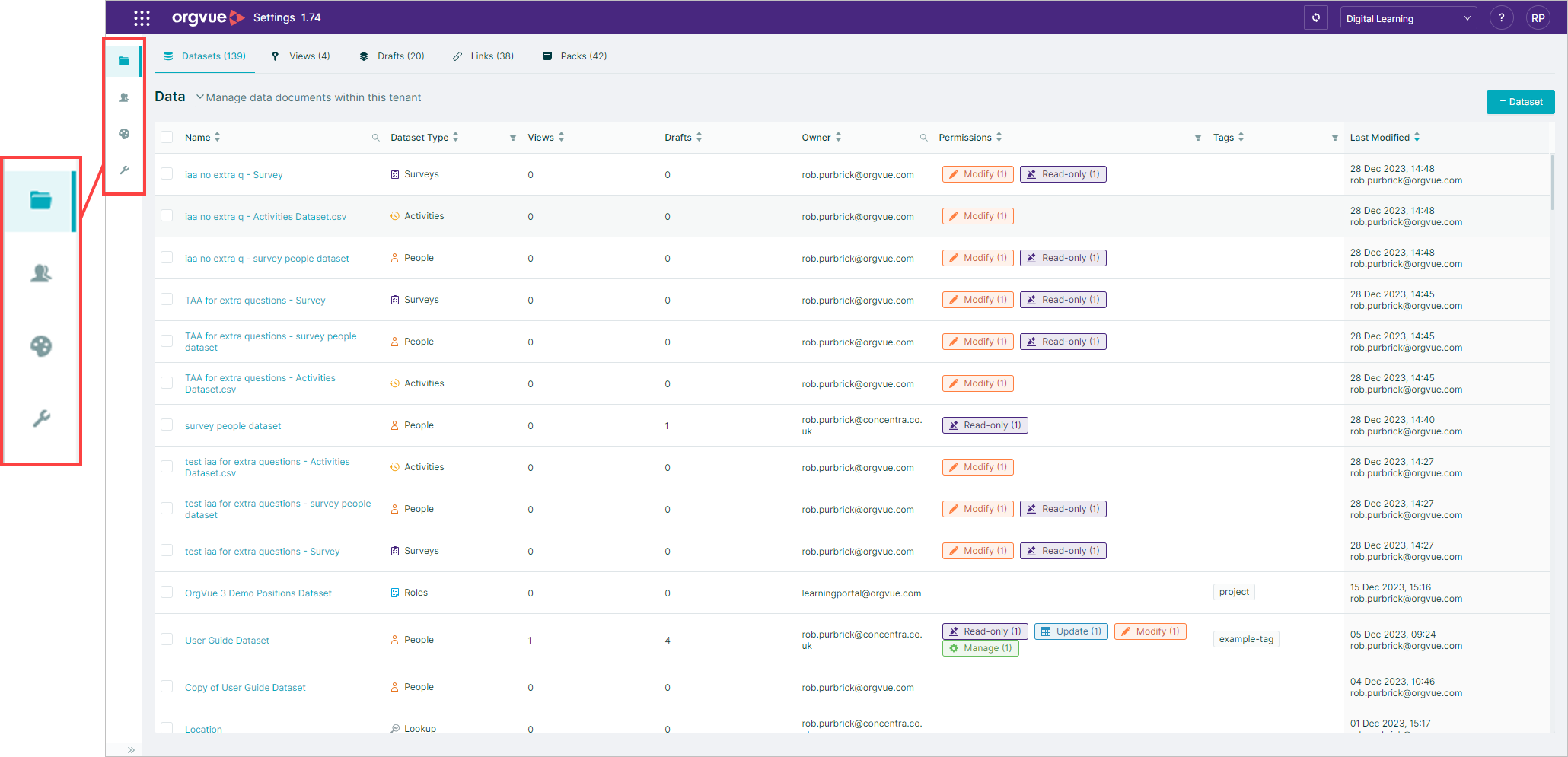
Settings
Settings is a standalone interface to enable management of an Orgvue tenant
The following administration processes are conducted within the Orgvue Settings interface:
All Users
- Dataset management
- Property management
- Pack management
- Managing expression and lookup properties
- Links dataset management
Admin Role Only
- User management
- Color palette management
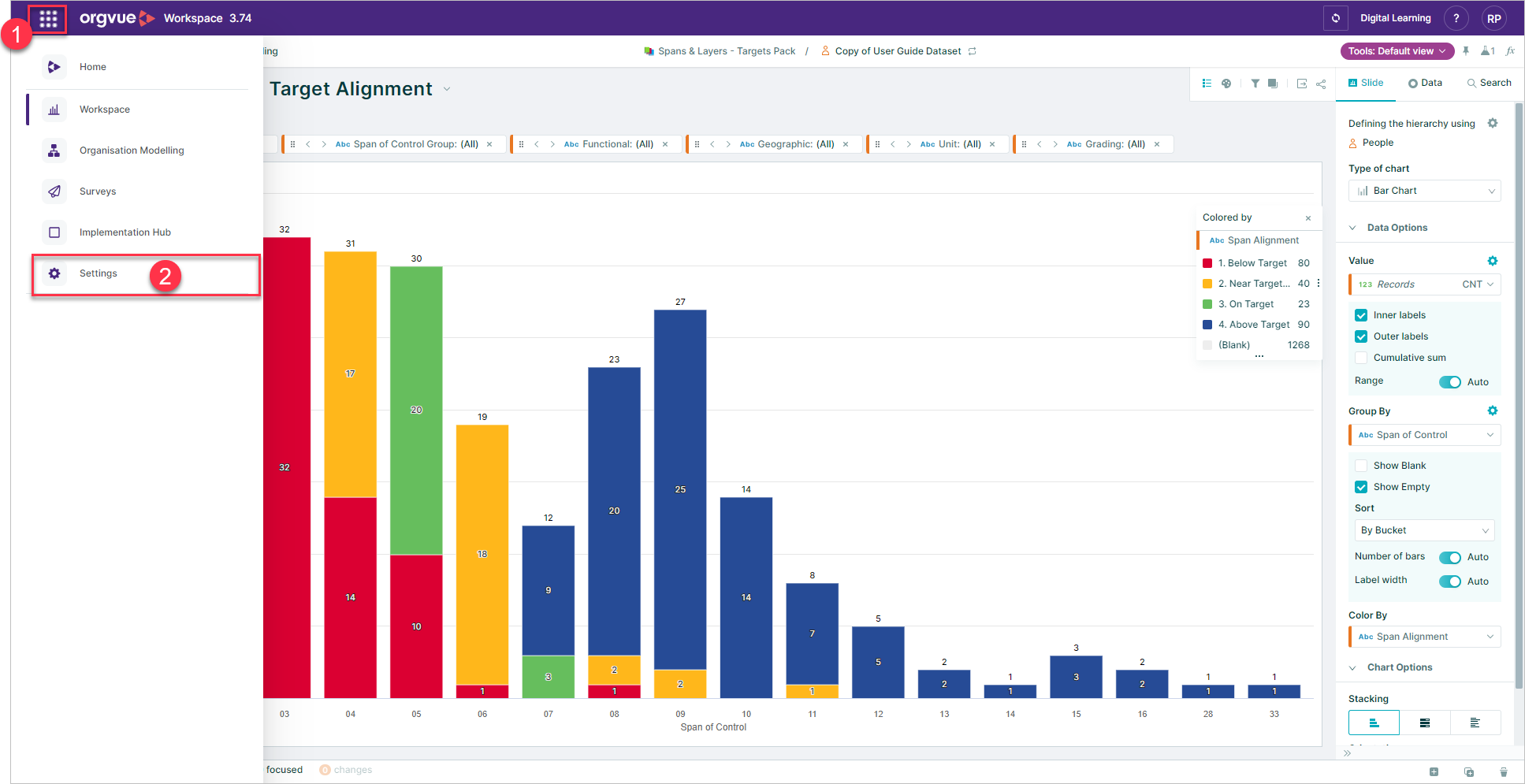
To access Settings:
- Select the menu icon
- Select
Settingsfrom the menu
For more detail on Settings and the processes listed see the
Orgvue will open a new browser window and automatically login to settings with the existing user credentials
info
Options available on Settings side bar will depend on user role