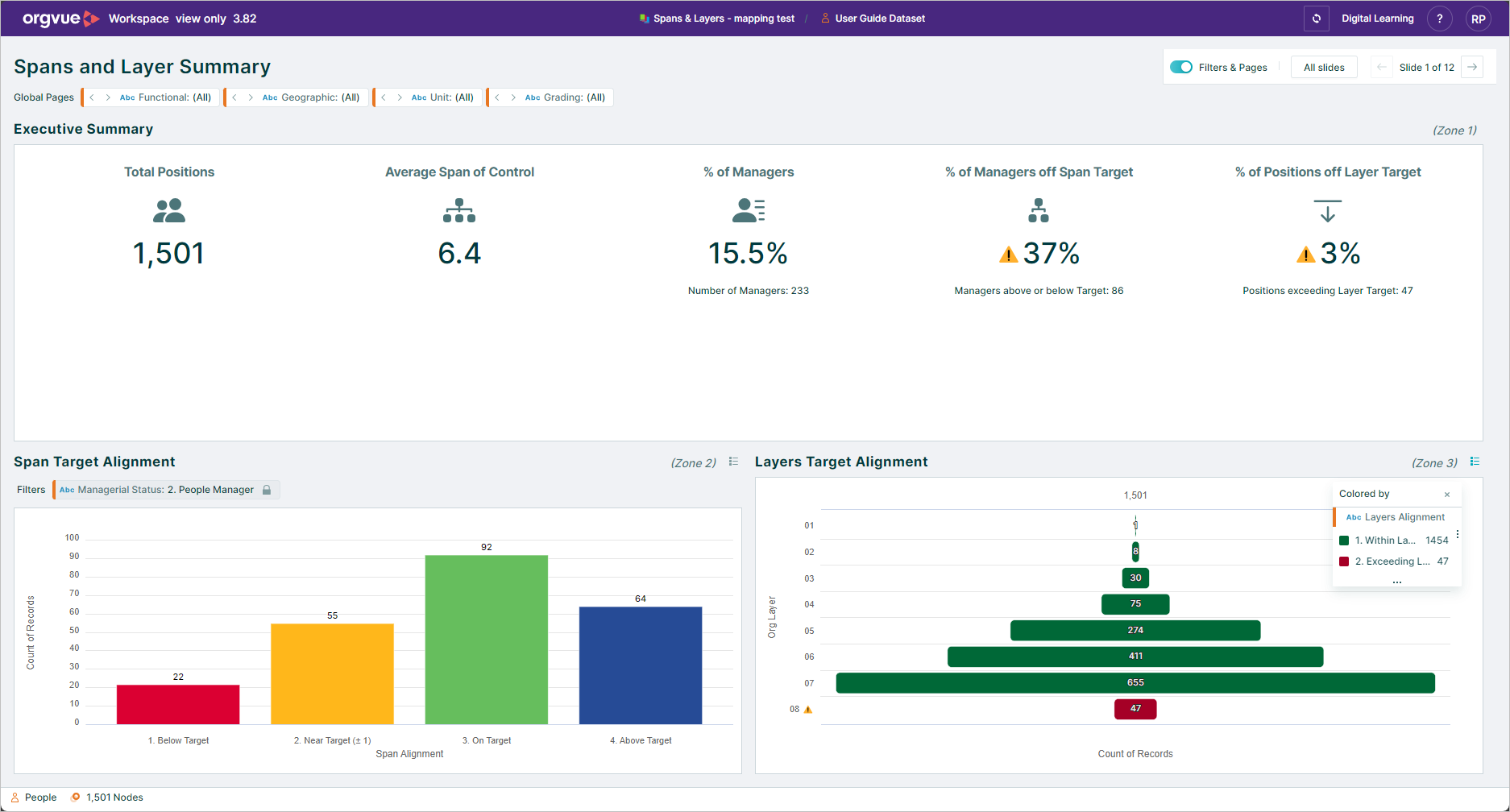
Share Pack
info
Available as an BETA early preview feature by contacting your Orgvue representative
The Share Pack option allows you to share a link to your currently open pack with other Orgvue users
As long as the user being shared to, has the correct permissions to view the pack and supporting dataset when they click the shared link it will open the pack in read-only mode
To share a pack:
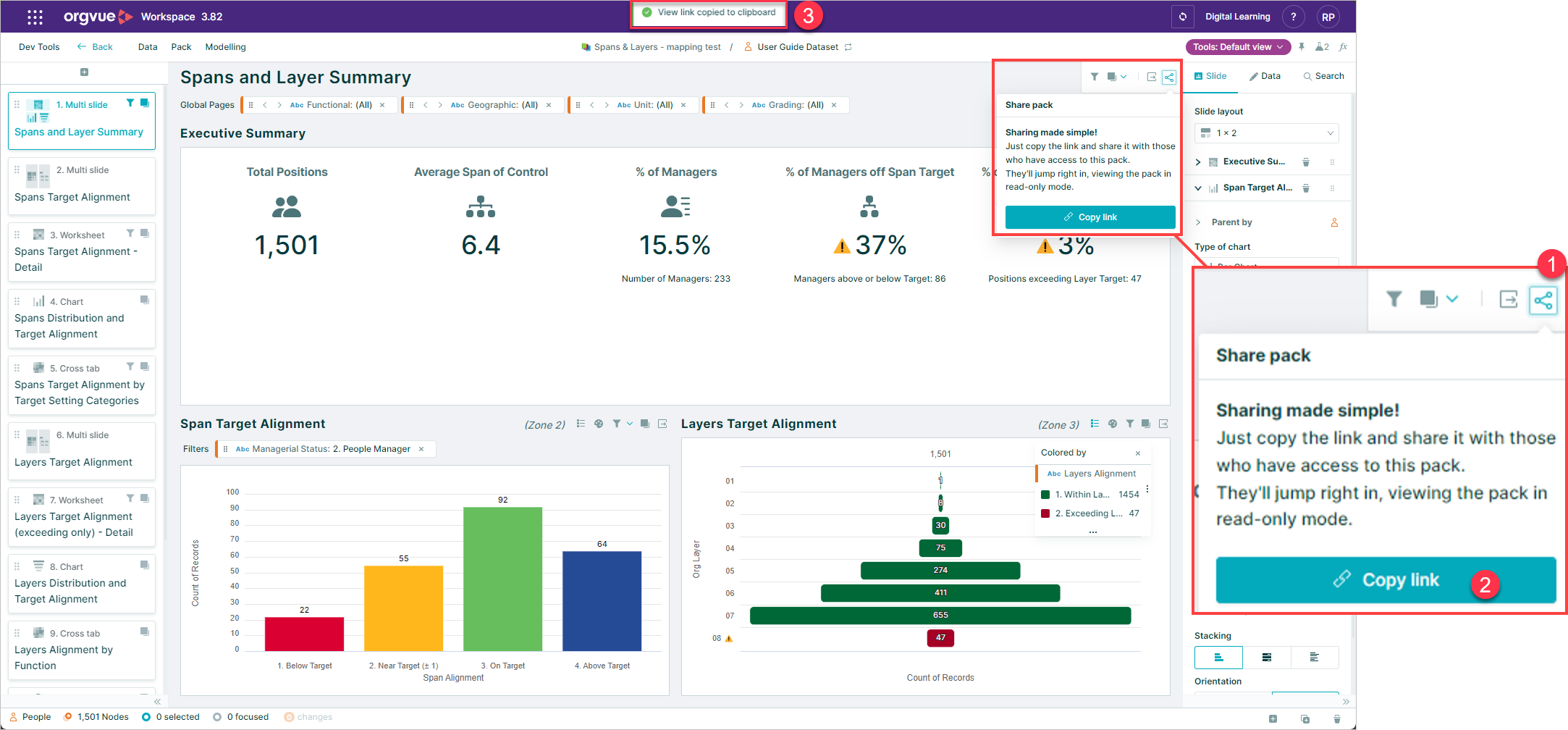
- Select the
Sharebutton - Select the
Copy linkbutton - A confirmation banner message will be shown
This will copy the URL link to your computer clipboard
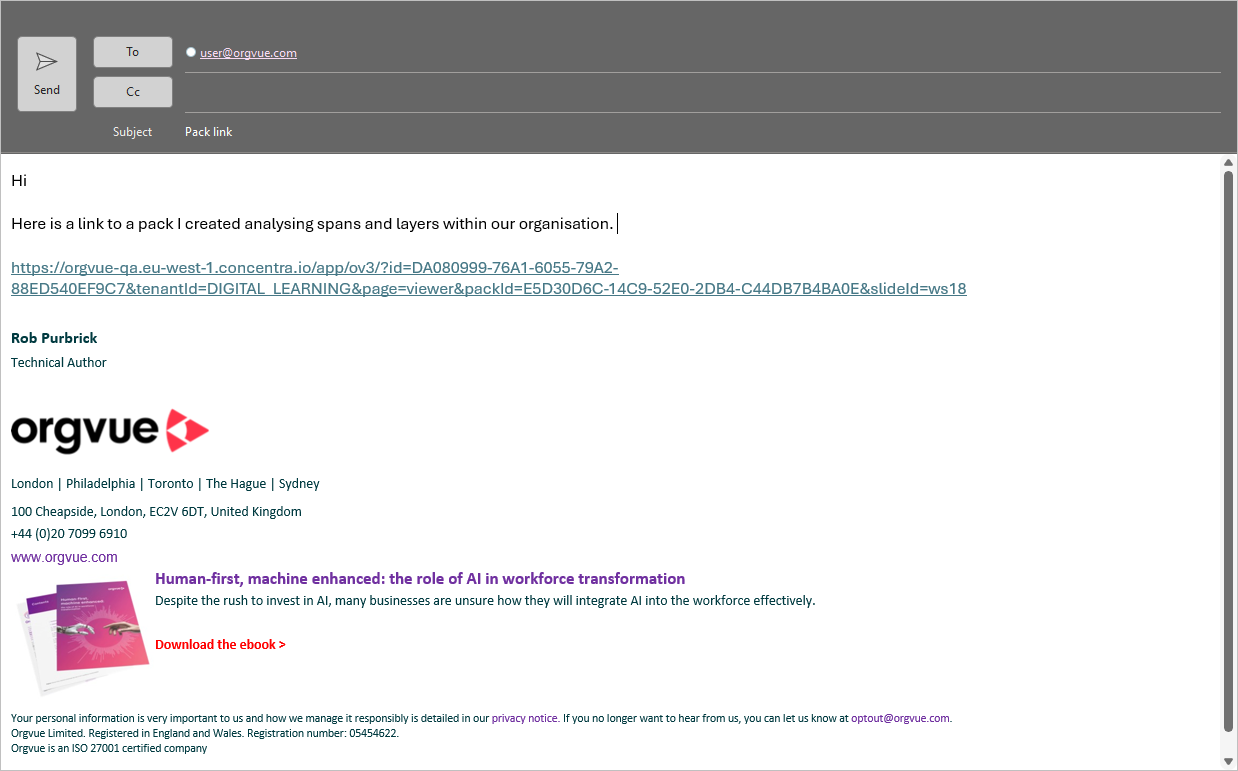
You can then paste this link into an email or Teams message to send to your chosen recipients
Clicking the link will open the Pack and Dataset within a view only version of Orgvue