Orgvue URL Links
See the table below for the URLs to access the currently available versions of Orgvue on each of our Production and Staging environments
Please make sure that you are using the corrected version of Orgvue for your organization
Please refer either to your Orgvue Customer Success Manager, consultant or your internal Orgvue lead
| Region | Production Default URL |
|---|---|
| Asia Pacific | https://orgvue.ap-southeast-2.concentra.io |
| Europe | https://orgvue.eu-west-1.concentra.io |
| USA | https://orgvue.us-east-1.concentra.io |
| Region | Staging Default URL |
|---|---|
| Asia Pacific | https://orgvue-staging.ap-southeast-2.concentra.io |
| Europe | https://orgvue-staging.eu-west-1.concentra.io |
| USA | https://orgvue-staging.us-east-1.concentra.io |
To log in to your organization’s instance of Orgvue select the appropriate link above
You may find it useful to bookmark this page in your web browser
Orgvue is designed to work with the latest versions of Google Chrome or Microsoft Edge browsers
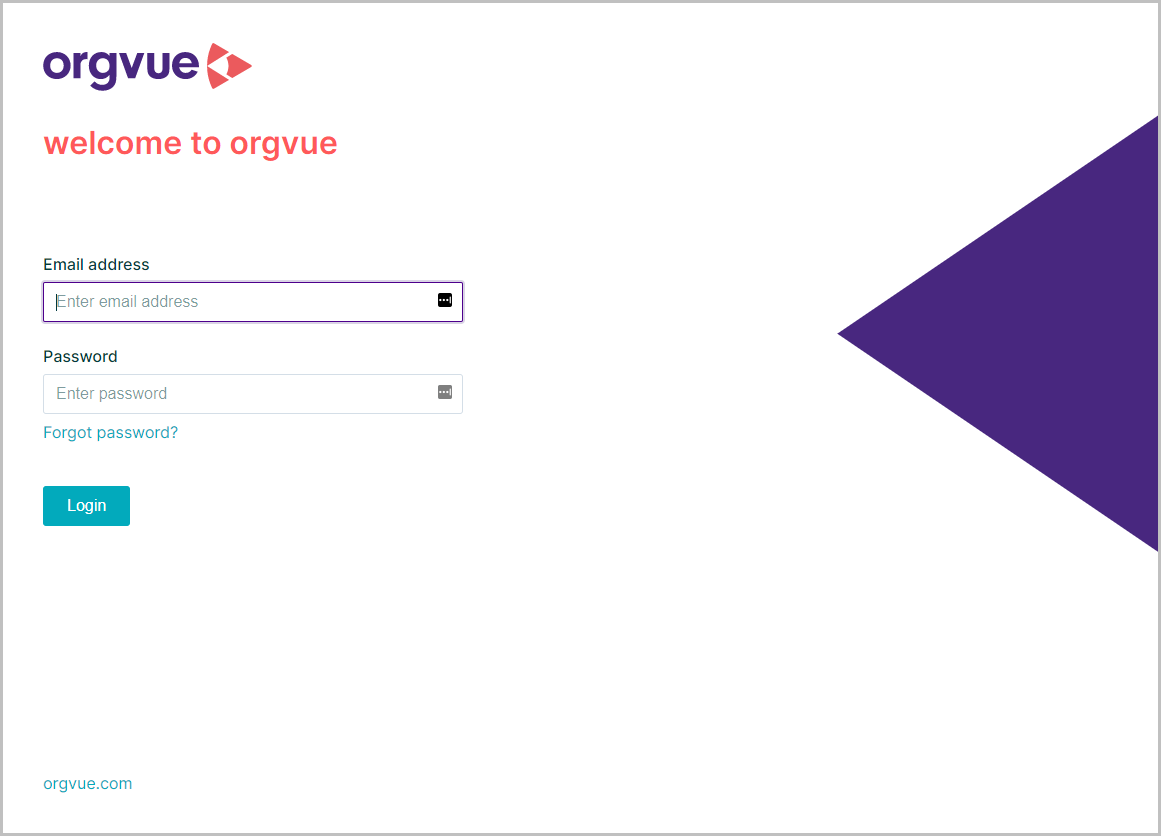
This will open the login screen where you should enter your email and password to access Orgvue
If you have more than one tenant available, you will then be presented with the tenant selection screen
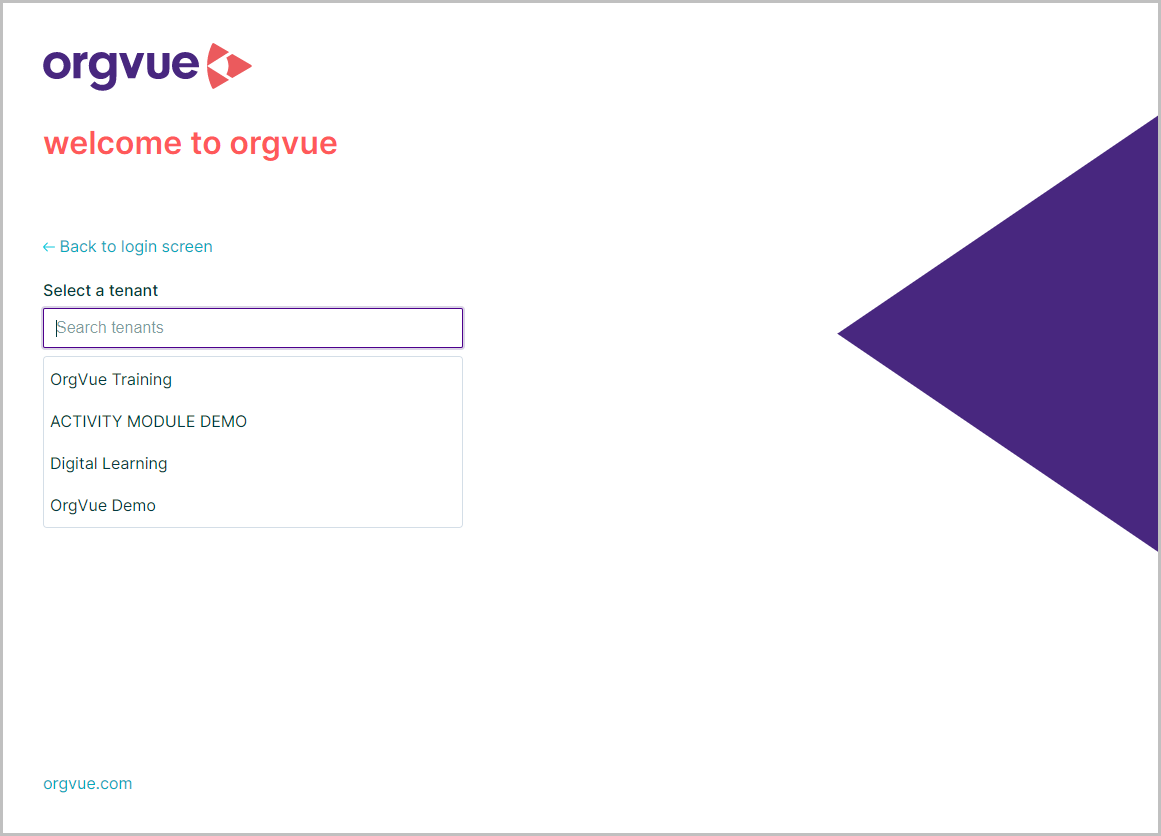
You will see a list of the tenants here, or you can use the search field to search for a specific tenant
Click on your Tenant to open the Orgvue Home page
If you only have one tenant, when you log in you will be taken directly to the Orgvue Home page