Orgvue MCP Setup
info
MCP server access is an early access feature. To opt in, contact your Customer Success manager.
What is MCP?
MCP stands for Model Context Protocol — a standard that lets AI assistants connect to external tools and data sources.
For Orgvue, that means customers' and partners' Claude environments can connect directly with Orgvue Workspace.
More Agents coming soon
The Orgvue MCP is currently optimized for Claude. Wider agentic support from October 2026.
Connecting to Orgvue MCP
Before you begin, make sure:
- The relevant Connector to the Orgvue MCP server is set up in Claude for your environment.
- Your tenant is enabled to use the Orgvue MCP.
Initiate connection in Orgvue
Open the pack in Orgvue workspace you want to connect to Claude
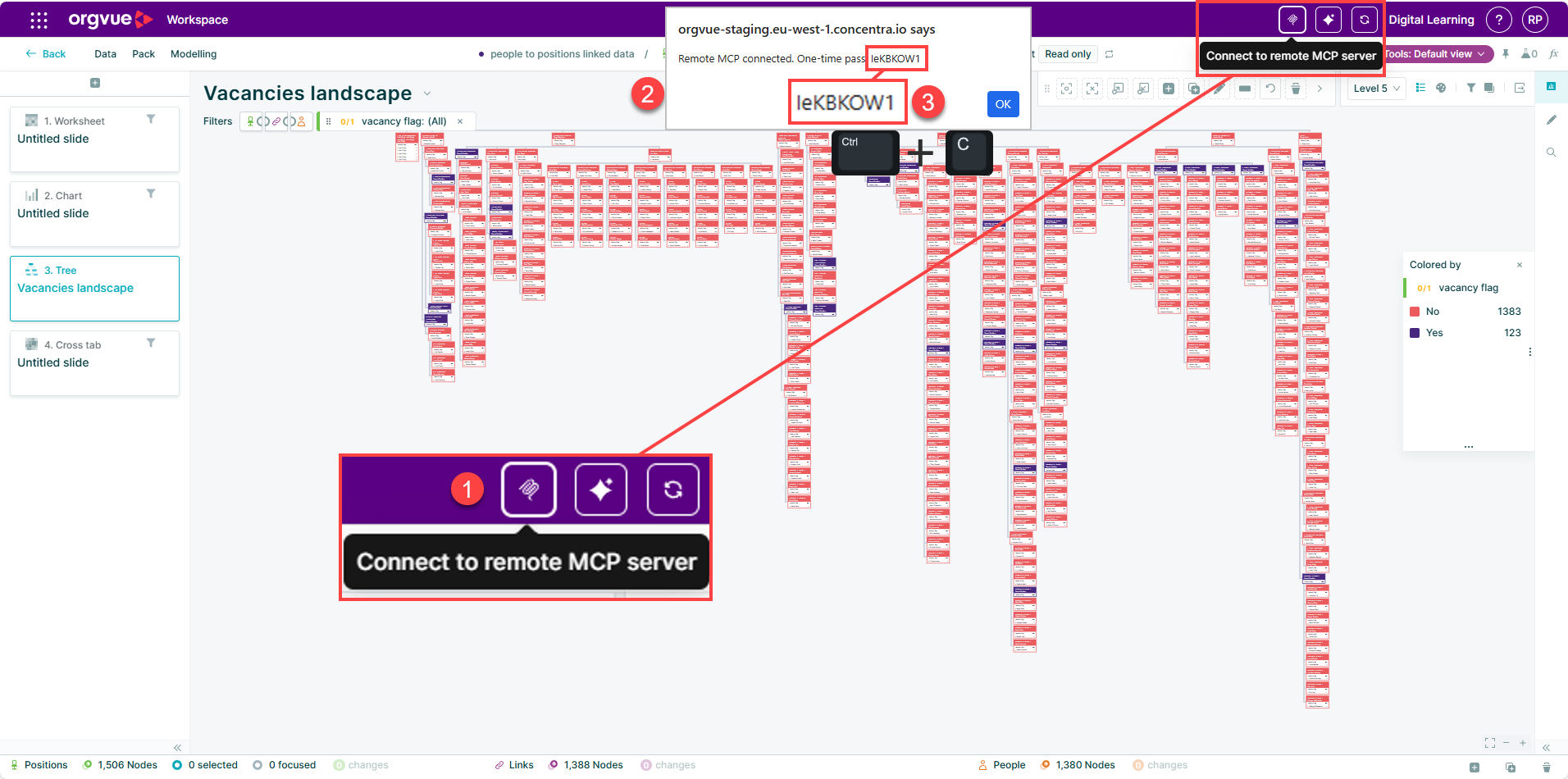
- Select Connect to remote MCP server in the header bar.
- A dialog appears with a one-time passcode.
- Copy the passcode to your clipboard.
Choose Connector in Claude
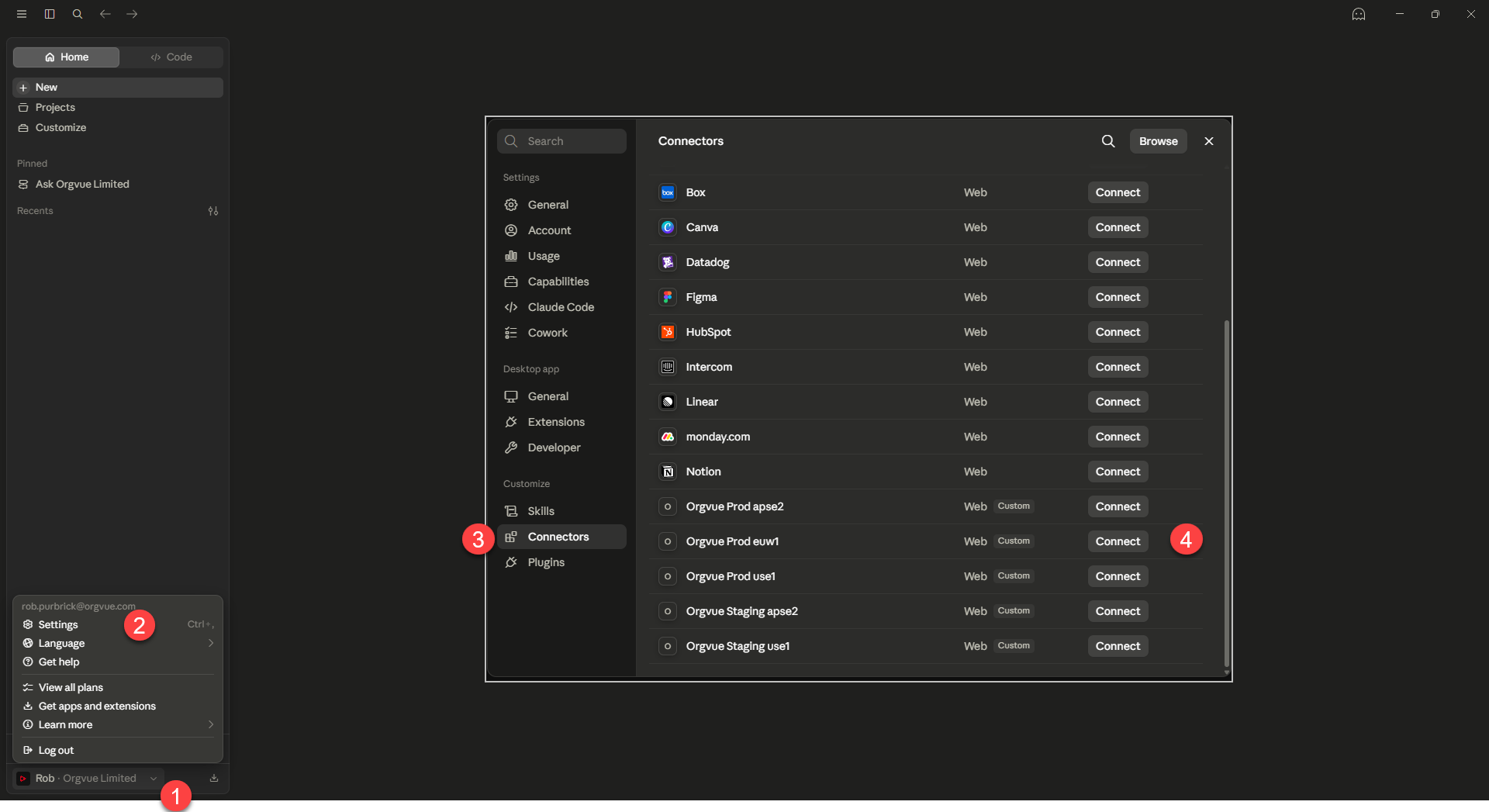
- Select your account in Claude.
- Select Settings.
- Select Connectors.
- Select Connect for your environment.
Authenticate Connection
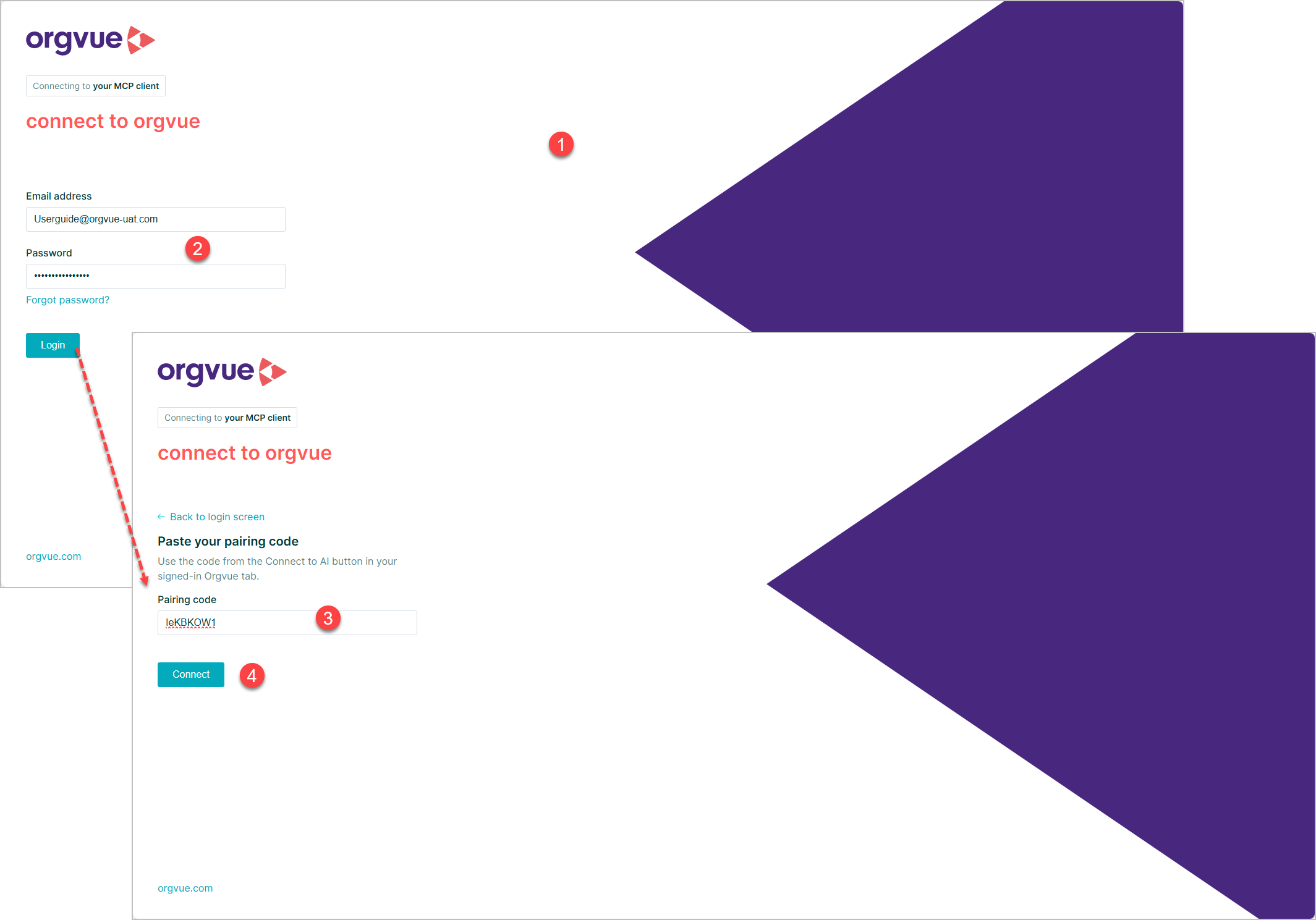
- The Orgvue login screen appears.
- Enter your email address and password, then select Login.
- Paste the one-time passcode you copied in the previous step.
- Select Connect.
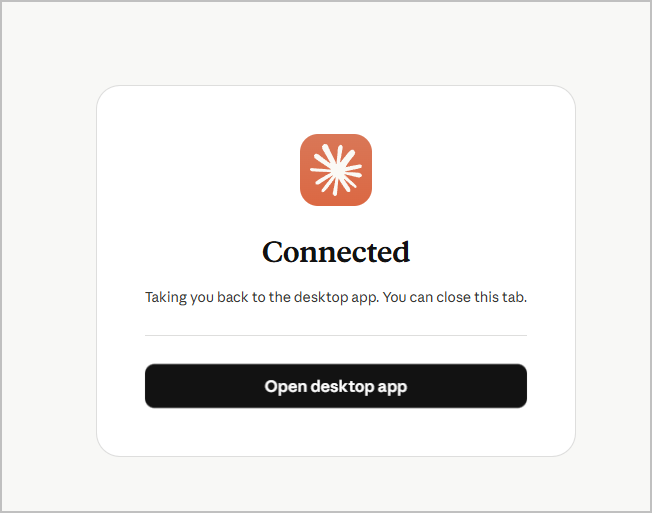
Ask Questions in Claude
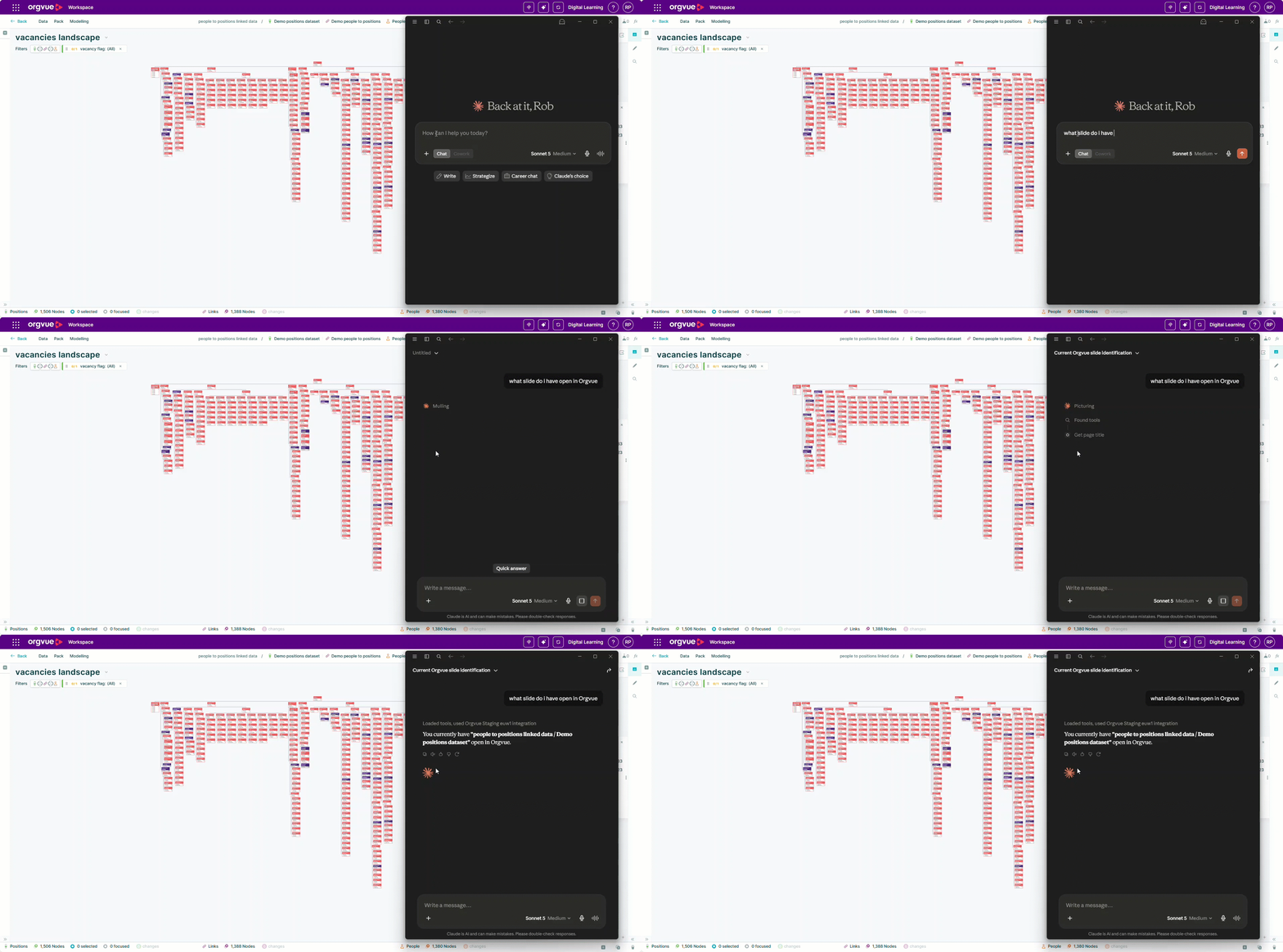
Your Orgvue dataset and pack are now connected to Claude and ready to query using natural language.